Provider Verification
Enter the verification code from your network service provider to identify your service workspace.
by Nexvorat Technologies LLC
A VPN client for iOS — connect using configurations from your own network service provider.
TopoLink helps you enter a provider verification code, sign in with your provider account, choose a server configuration, and connect with one tap. It uses Apple’s Network Extension to create a device VPN connection based on the configuration you select.
TopoLink is the client app. Your provider supplies the account, servers, and subscription.
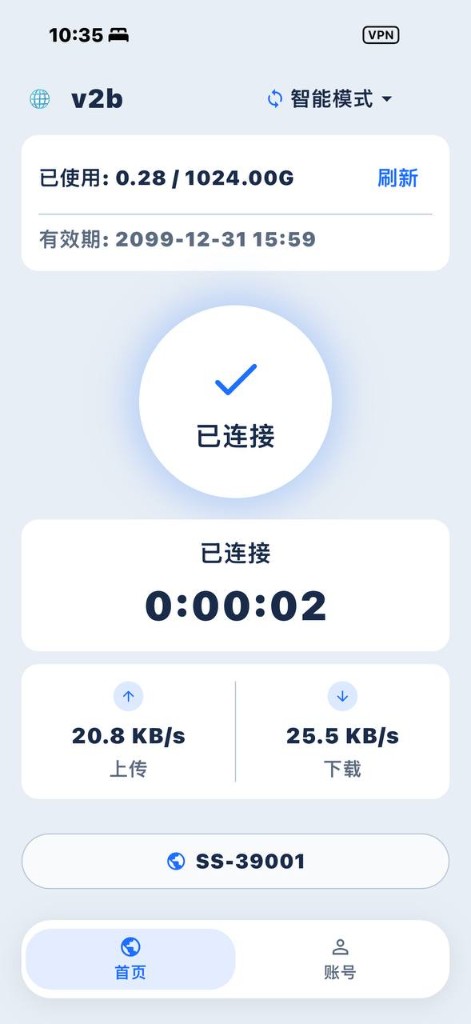
A clean interface that keeps your VPN connection experience simple.
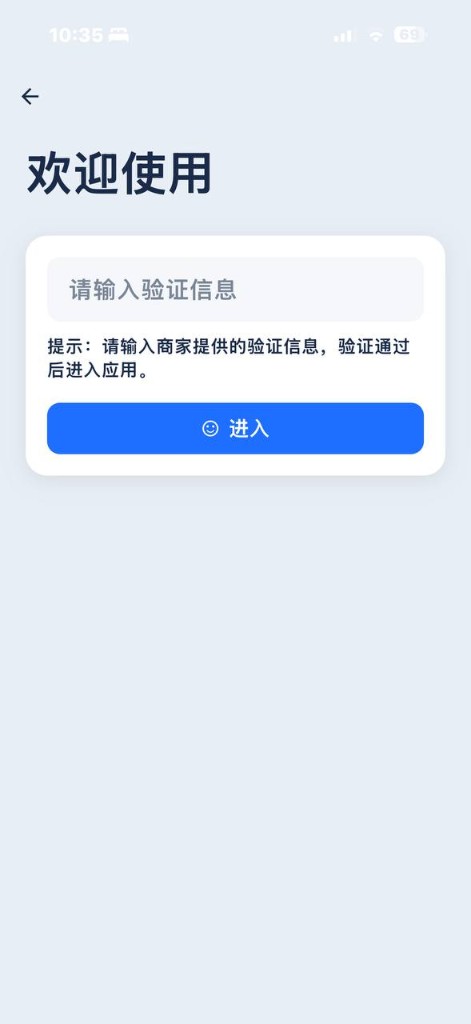
Enter the verification code from your network service provider to identify your service workspace.
Sign in with your provider account to sync available server configurations and usage information.
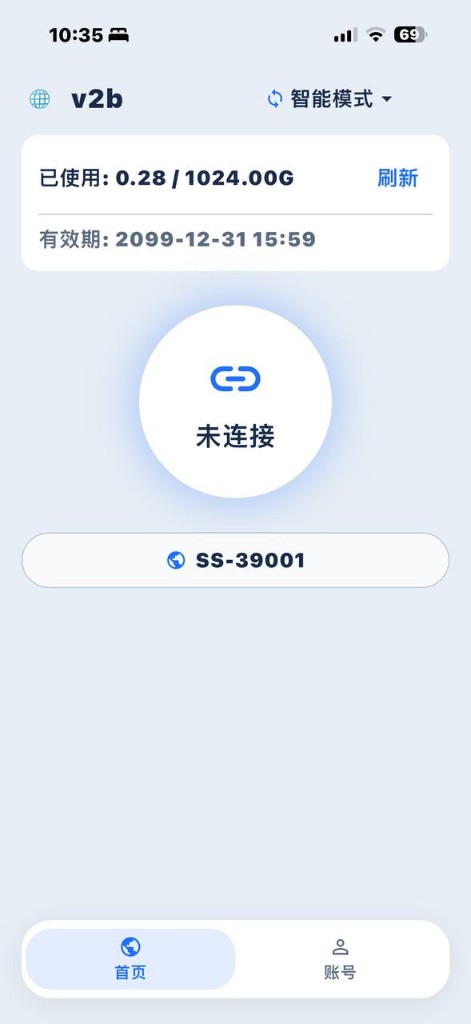
Connect or disconnect with a single tap after your configuration is ready.
Choose configurations and use smart or global routing modes supported by the app.
View connection status, session information, and traffic usage at a glance.
Designed for iPhone and iPad with a native interface and system VPN integration via Network Extension.
Enter the verification code provided by your network service provider.
Sign in with your provider account to sync available VPN configurations and account usage.
Select a configuration and tap connect. TopoLink establishes a VPN connection using Apple Network Extension.
Yes. TopoLink is an iOS VPN client. It uses Apple’s Network Extension (Packet Tunnel) to route device traffic according to the configuration you select.
No. TopoLink provides the client application. Accounts, servers, traffic packages, and billing are managed by your network service provider.
It is a code from your provider used to identify your service workspace in TopoLink before sign-in.
TopoLink does not sell your personal information and does not use your browsing content for advertising. Network traffic is handled according to your selected VPN configuration and your provider’s service. See our Privacy Policy for details.
For TopoLink app issues, contact [email protected]. For subscription, traffic, or server availability, contact your provider.
TopoLink is designed with privacy and transparency in mind.
We do not sell your personal information.
We do not use your browsing content for advertising.
Read Privacy PolicyTopoLink is developed by Nexvorat Technologies LLC.
It is an iOS VPN client that helps users manage provider configurations and connect through Apple’s Network Extension.
For TopoLink app questions, visit Support or email [email protected].
For provider billing, traffic packages, or server status, contact your network service provider.
An iOS VPN client by Nexvorat Technologies LLC.
Coming Soon on the App Store